 SafiLink
From booking to payout, here's exactly what happens
Two journeys, one trusted platform. Pick the one that's you.
Booking a service
Choose a service
Pick from house cleaning, laundry, car wash, childcare and more. Tell us your home size and preferred schedule.
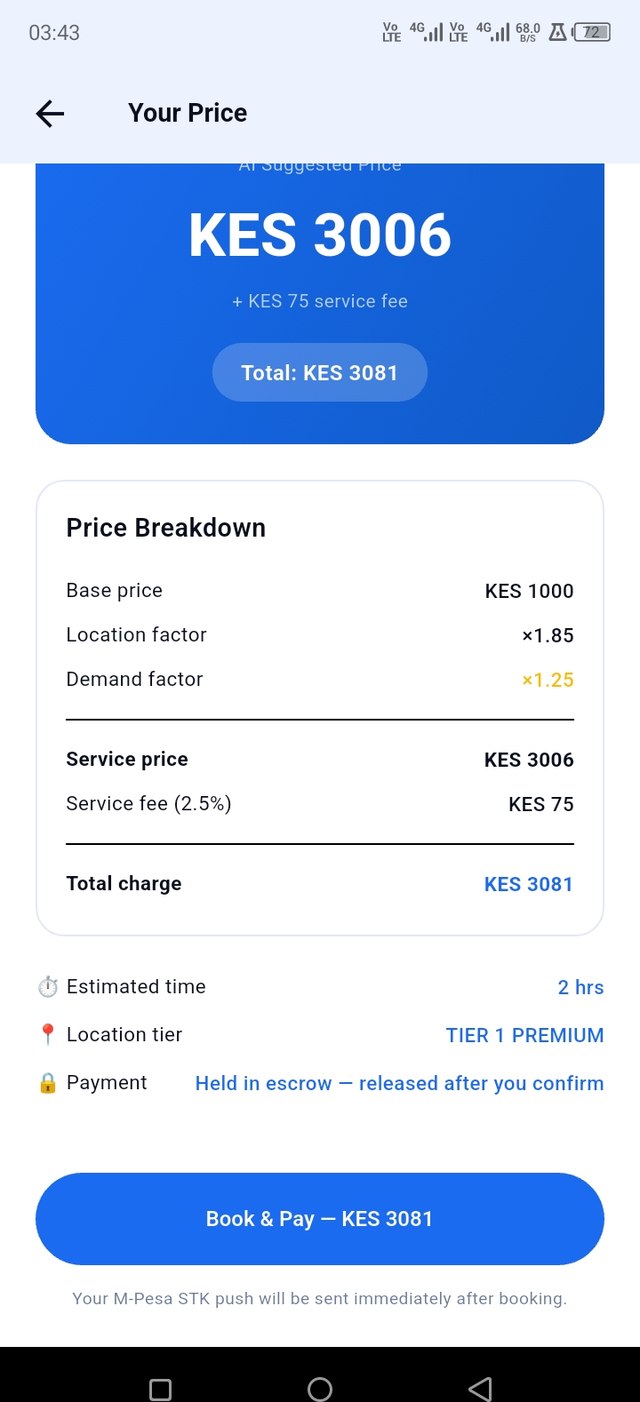
See your exact price
SafiLink shows a full breakdown: base price, location factor, service fee, before you commit to anything.
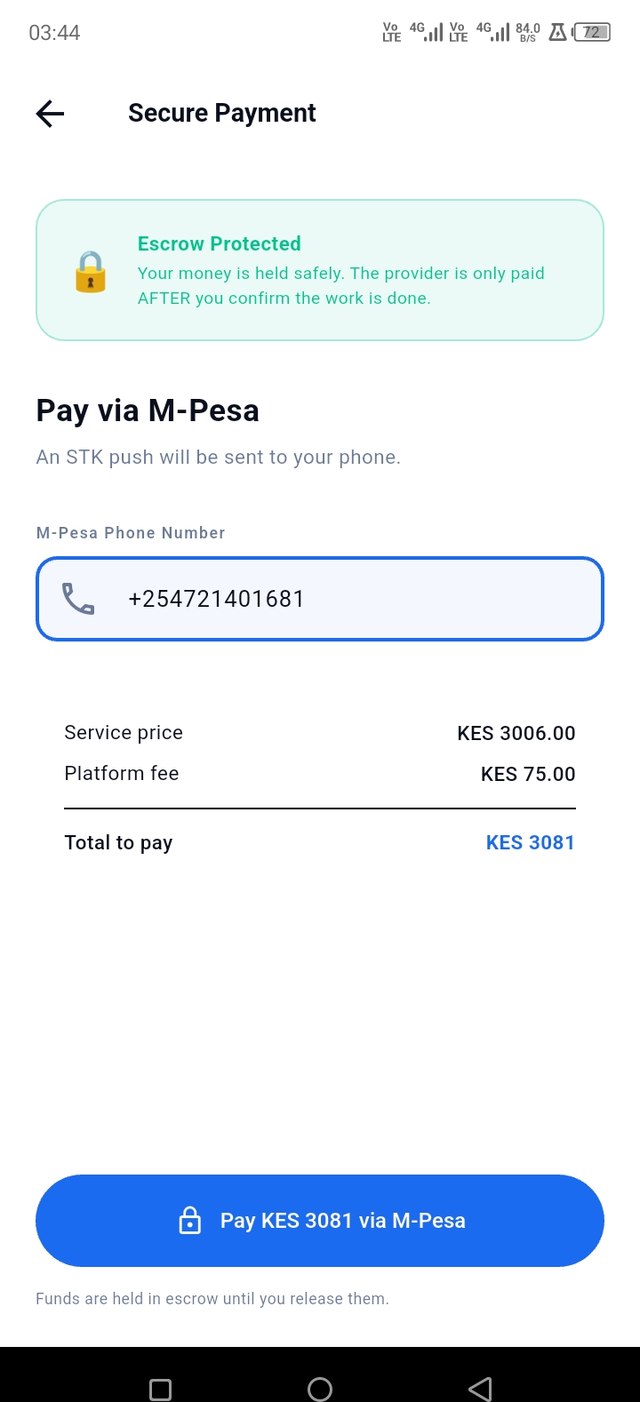
Pay securely by M-Pesa
An STK Push is sent to your phone. Your payment is held in escrow. The provider isn't paid until you confirm the work is done.
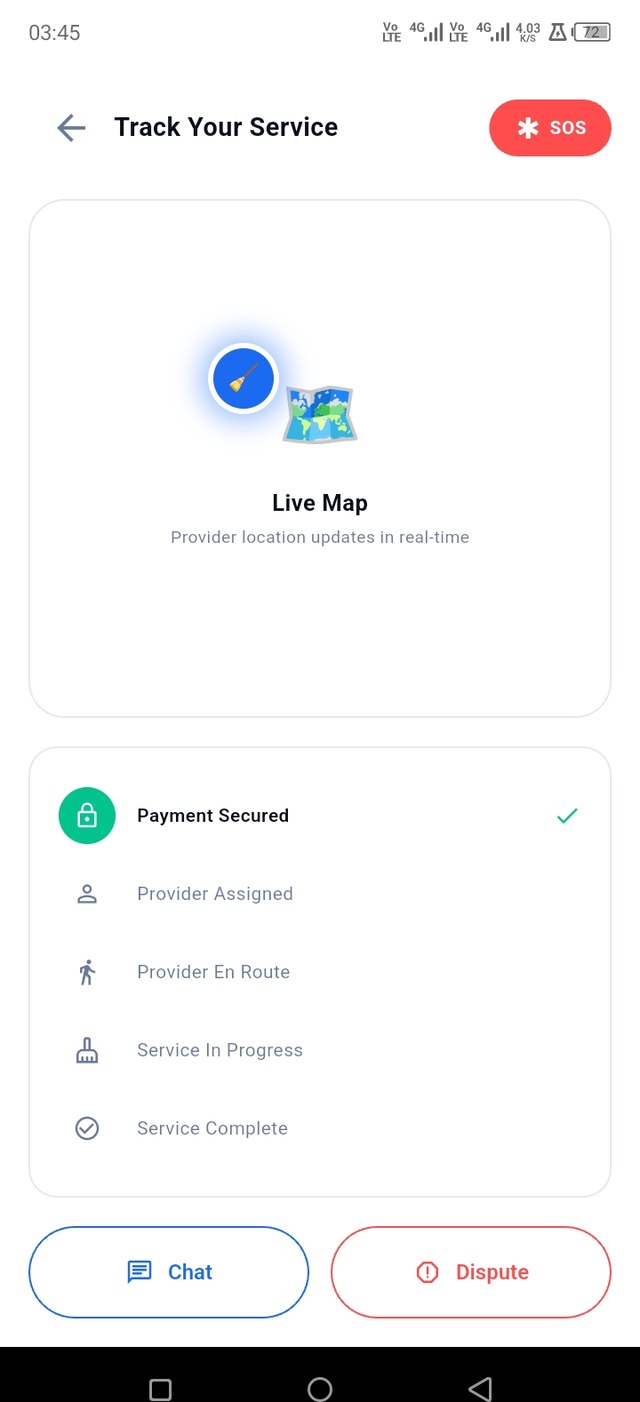
Track your provider live
Watch their location update on the map as they head your way, with in-app chat and an SOS button always available.
Confirm and rate
Once the job's done, confirm completion to release payment, then rate your provider to help other clients choose well.
Getting paid for your work
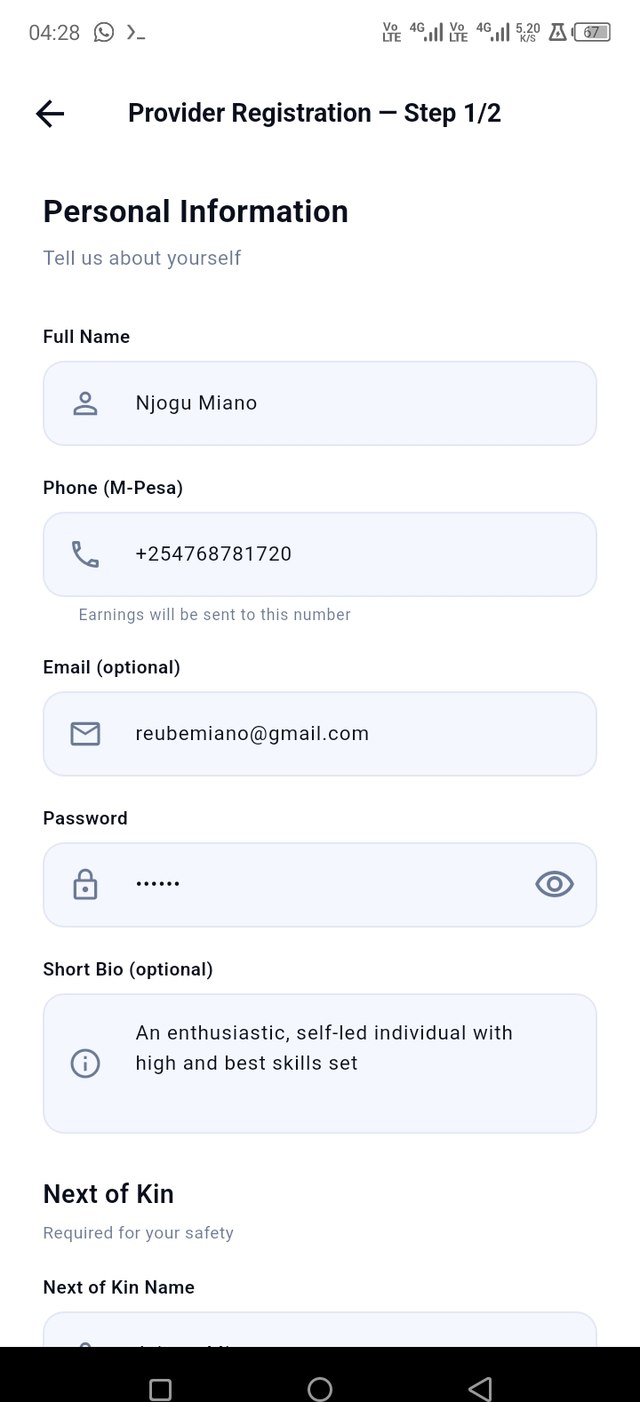
Register and select your services
Sign up, add a next-of-kin contact, and choose every service category you can offer.
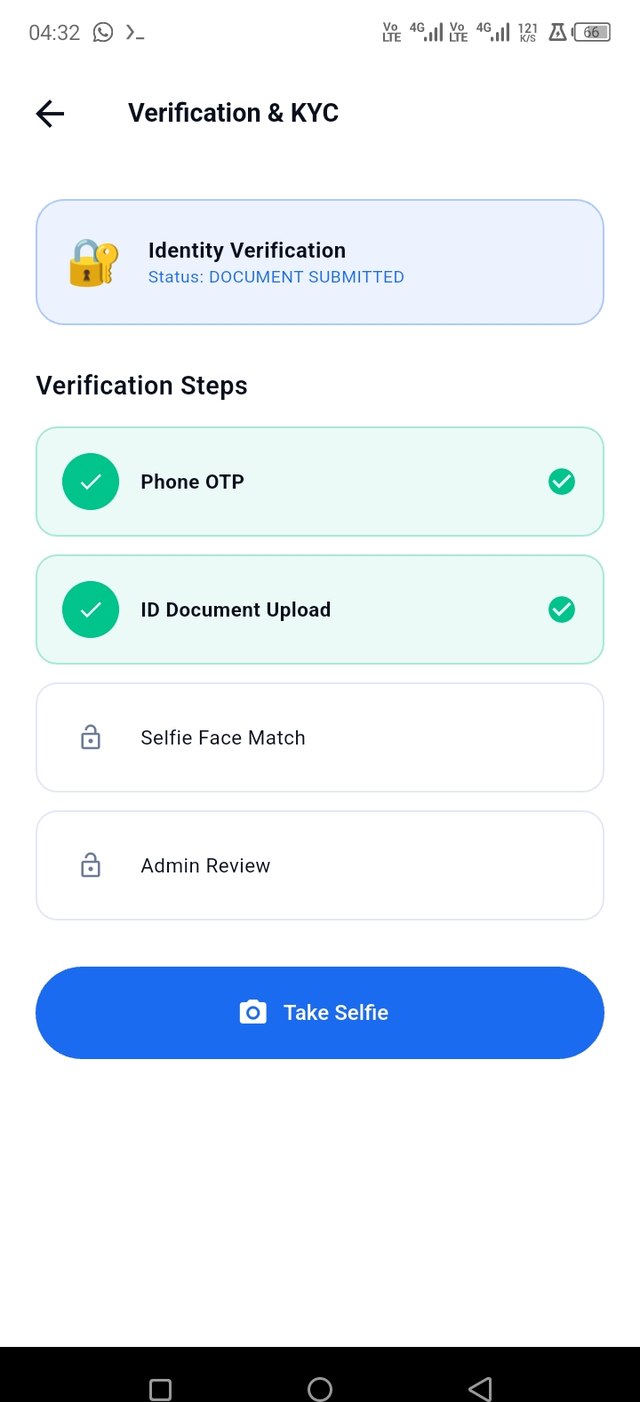
Complete verification
Verify your phone, upload your ID, take a selfie for face matching, and pass admin review.
Go online and accept jobs
Flip the online switch when you're free to work, and accept job requests as they come in near you.
Complete the job
Head to the client, update job status as you go, and mark the service complete when you're done.
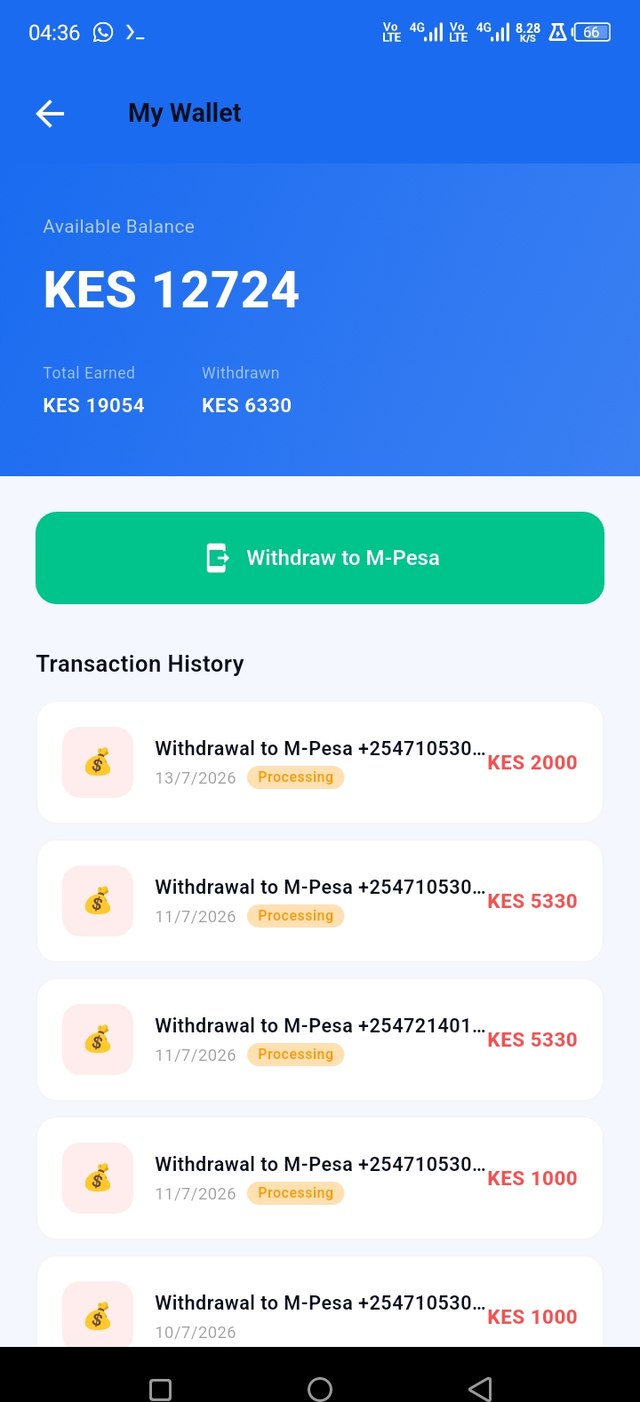
Withdraw your earnings
Once the client confirms, your payment lands in your SafiLink wallet. Withdraw to M-Pesa whenever you like.